How to Email PDF Invoices From Google Sheets With Apps Script
If your team builds invoices or booking confirmations by copying rows from a Google Sheet into a document, exporting a PDF and attaching it to an email, that whole routine can run on its own. Google Apps Script is already inside your Google account, so there is nothing to buy or install.
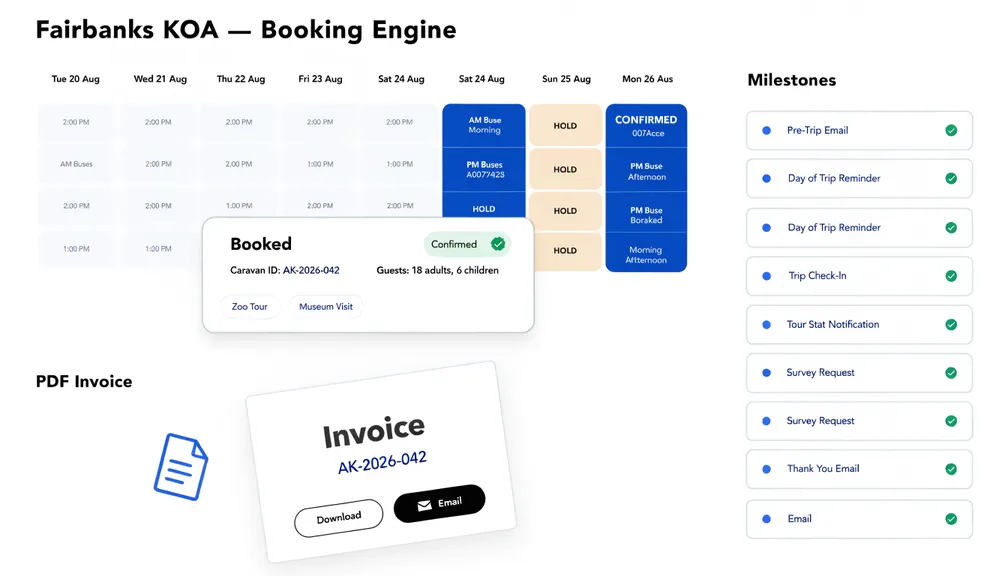
This is the same pattern we used for a campground in Alaska that runs dozens of group caravan bookings a season. Today about 90% of its customer and vendor emails go out automatically. Below is a simplified, working version you can adapt.
What the automation does
- Watches a Bookings sheet for rows marked Ready to Invoice = Yes.
- Fills a Google Docs invoice template with that row’s data.
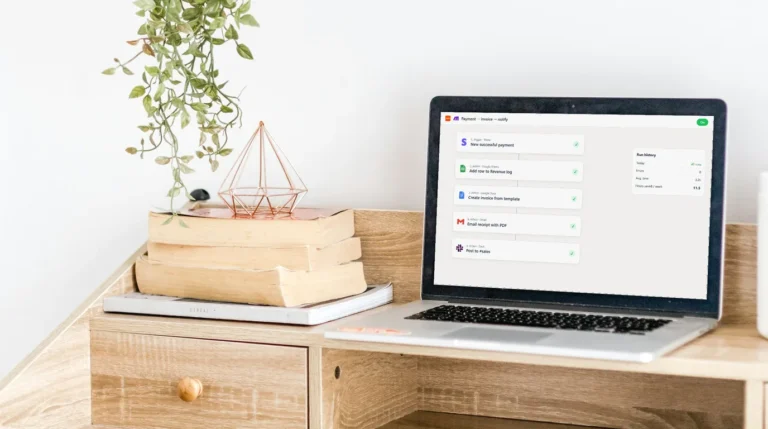
- Converts it to PDF and emails it to the customer.
- Stamps the date in an Invoice Sent column so the same row is never emailed twice.
1. Set up the sheet and the template
Give the sheet a header row such as Booking ID, Name, Email, Total, Ready to Invoice and Invoice Sent. Keep header names short and simple: letters, numbers and spaces only.
In a Google Doc, design the invoice and type placeholders that match the headers exactly, wrapped in double braces: {{Name}}, {{Booking ID}}, {{Total}}. Copy the Doc’s ID from its URL, and the ID of a Drive folder where the working copies can live.
2. Add the script
In the sheet, open Extensions → Apps Script and paste:
const CONFIG = {
  SHEET: 'Bookings',
  TEMPLATE_ID: 'YOUR_GOOGLE_DOC_TEMPLATE_ID',
  FOLDER_ID: 'YOUR_DRIVE_FOLDER_ID',
};

function sendPendingInvoices() {
  const lock = LockService.getScriptLock();
  if (!lock.tryLock(30000)) return;          // another run is already working
  try {
    const sheet = SpreadsheetApp.getActive().getSheetByName(CONFIG.SHEET);
    const rows = sheet.getDataRange().getValues();
    const head = rows.shift();
    const col = (name) => head.indexOf(name);

    rows.forEach((r, i) => {
      if (r[col('Ready to Invoice')] !== 'Yes' || r[col('Invoice Sent')]) return;
      const pdf = makePdf_(r, head);
      GmailApp.sendEmail(
        r[col('Email')],
        'Your invoice ' + r[col('Booking ID')],
        'Hi ' + r[col('Name')] + ',\n\nYour invoice is attached.\n\nThank you!',
        { attachments: [pdf], name: 'Your Business Name' }
      );
      sheet.getRange(i + 2, col('Invoice Sent') + 1).setValue(new Date());
    });
  } finally {
    lock.releaseLock();
  }
}

function makePdf_(row, head) {
  const folder = DriveApp.getFolderById(CONFIG.FOLDER_ID);
  const copy = DriveApp.getFileById(CONFIG.TEMPLATE_ID)
    .makeCopy('Invoice ' + row[head.indexOf('Booking ID')], folder);
  const doc = DocumentApp.openById(copy.getId());
  head.forEach((h, j) => {
    doc.getBody().replaceText('\\{\\{' + h + '\\}\\}', String(row[j]));
  });
  doc.saveAndClose();
  const pdf = copy.getAs(MimeType.PDF);
  copy.setTrashed(true);                      // keep Drive tidy
  return pdf;
}
3. Run it automatically
Run sendPendingInvoices once by hand to grant permissions. Then open Triggers (the clock icon), add a trigger for sendPendingInvoices, and choose a time-driven trigger every 10 or 15 minutes. From then on, setting a row to Yes is all your team does.
Why the lock and the “sent” column matter
Most home-made versions of this break in one of two ways: two runs overlap and the customer gets two emails, or a row is edited after sending and goes out again. LockService stops overlapping runs, and the Invoice Sent timestamp is the single source of truth for what has gone out. Clear the cell only when you genuinely want to resend.
Limits to know about
- Email quota: Apps Script can email about 100 recipients a day from a free Gmail account and about 1,500 from Google Workspace.
- Run time: each run stops after 6 minutes. For hundreds of rows a day, process them in batches and let the trigger pick up the rest next time.
- Template placeholders must match the header text exactly, including capitals.
Where to take it next
The same structure handles deposit and final-payment reminders (compare today’s date with a due date and a Reminder Sent column), calendar checks before invoicing, and arrival packs a few days before a booking. That’s how the Alaska system grew from one email into ten automated milestones.
If you’d rather not maintain it yourself, book a free Workflow Audit and we’ll map what your version needs, with a fixed price.